
Search Clarksville Police Records
Clarksville Police Records can come from the city police department, the county jail, or the state system that keeps wider Tennessee history data. That split matters. A city incident report is not the same as a county booking record, and a crash report is not the same as a statewide background check. Start with the office that created the file, then move outward if you need more. This Clarksville page shows the city route first, then ties in Montgomery County and Tennessee tools so you can search, request, and compare records without guessing where the file lives.
Clarksville Police Records Quick Facts
Clarksville Police Records Search
The Clarksville Police Department is the first stop for city police records. The research lists the department at cityofclarksville.com/935/Clarksville-Police-Department, with the records division at cityofclarksville.com/954/Records-Division. The department address is 135 Commerce Street, Clarksville, TN 37040. The records office handles city requests, and the public records policy page gives the process for formal requests. If your case happened inside Clarksville city limits, begin there.
City records are the best fit for incident reports, crash reports, towed vehicle information, handgun permits, and body worn camera footage. The research says basic police reports are free during regular business hours, and crash reports usually take three to five business days. That is useful if you need a local record fast. If you need more than a copy of the report, ask the records office which files are public and which parts may be redacted under Tennessee law.
Some Clarksville Police Records searches need the city department. Others need the county or the state. If the person was booked into the jail, Montgomery County may hold the custody record. If the case moved into criminal court, the court file may show the next step. If you only need a statewide criminal history or a crash portal copy, Tennessee has separate systems for that. Matching the record to the office keeps the search clean.
See the official Clarksville Police Department page first.

The city department page is the main source for Clarksville Police Records tied to incident reports, crash reports, and city police request steps.
Where to Find Clarksville Police Records
Clarksville Police Records can be requested in person at 135 Commerce Street or through the city Public Records Center listed in the research. The department asks for valid photo ID. It also notes that the records division is the place to start for request questions. Office hours are Monday through Friday, 8:00 a.m. to 4:30 p.m. That schedule is useful if you want to hand-deliver a request or pick up a copy the same day.
The request policy matters too. The city’s public records page gives the local route for official requests, and the research says Tennessee residency is required for some state and local request paths. If you are not sure whether to use the city portal or a paper request, start with the records division. A clear request should name the report type, date, location, and any people involved. That is the fastest way to get a Clarksville Police Records file moving.
Clarksville also uses more than one record type. An incident report may be free or low-cost. A crash report may have a different turnaround. A body camera request may take longer. That is why the best Clarksville Police Records request is the one that asks for just one record at a time. It saves time and keeps the cost from climbing for no reason.
Use the records division page when you need the city request path.
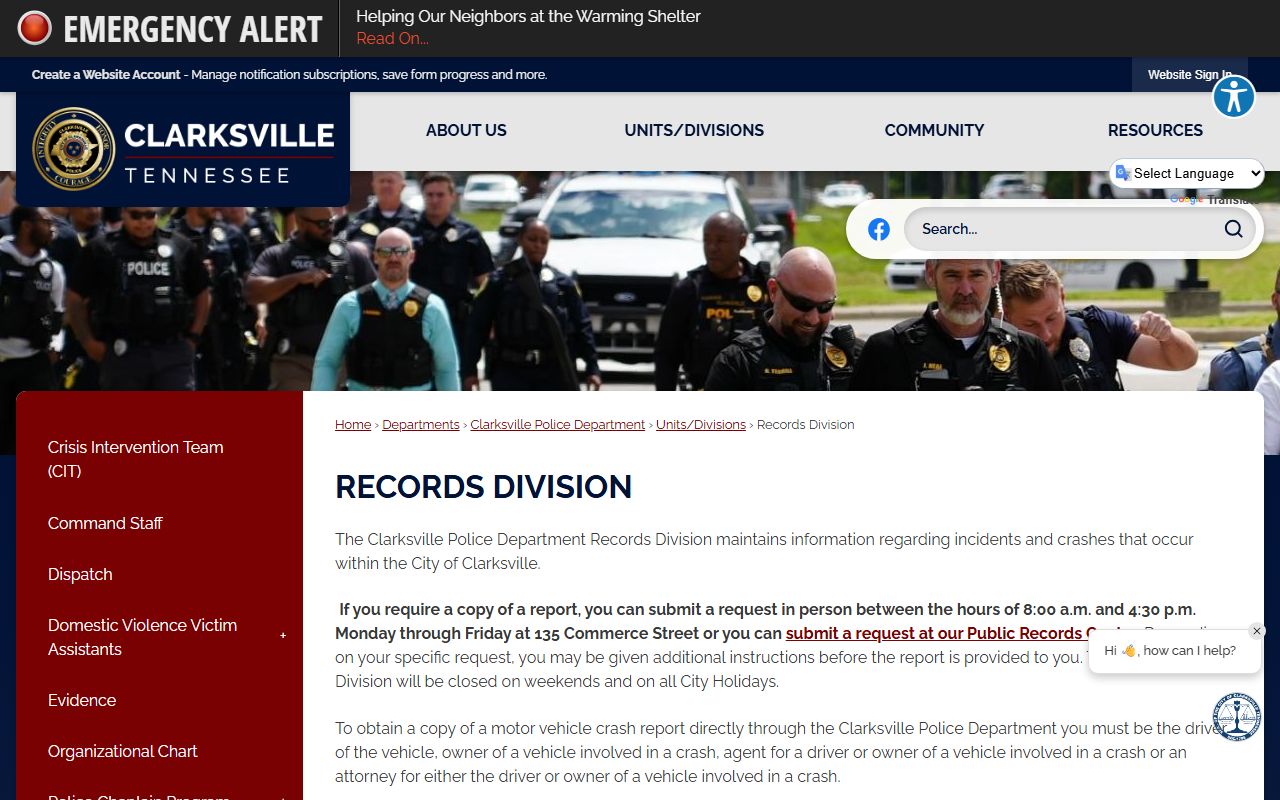
The records division page is the practical route for Clarksville Police Records requests, copies, and status questions.
Clarksville Police Department Records
Clarksville Police Department records can include incident reports, crash reports, towed vehicle information, handgun permits, and body worn camera footage. The research does not turn this into a catch-all city archive. It stays focused on the records the department actually creates or controls. That is the right way to think about Clarksville Police Records. The office that wrote the report usually owns the first copy. The city can also tell you whether the file is open, partly open, or restricted.
Crash reports are a separate path. The research says they are processed in three to five business days, and the request must come from the driver, owner, agent, or attorney for the involved party. Drivers and owners need a license. Attorneys need a letter of representation. Agents need an insurance policy number or a letter of agency. That detail matters because crash files are not released to just anyone under every circumstance.
If you need a report copy, keep the request tight. If you need video, say so. If you need a tow record, do not ask for a crash report by mistake. The more exact the request, the easier Clarksville Police Records are to process.
See the public records policy page for the city’s request rules.
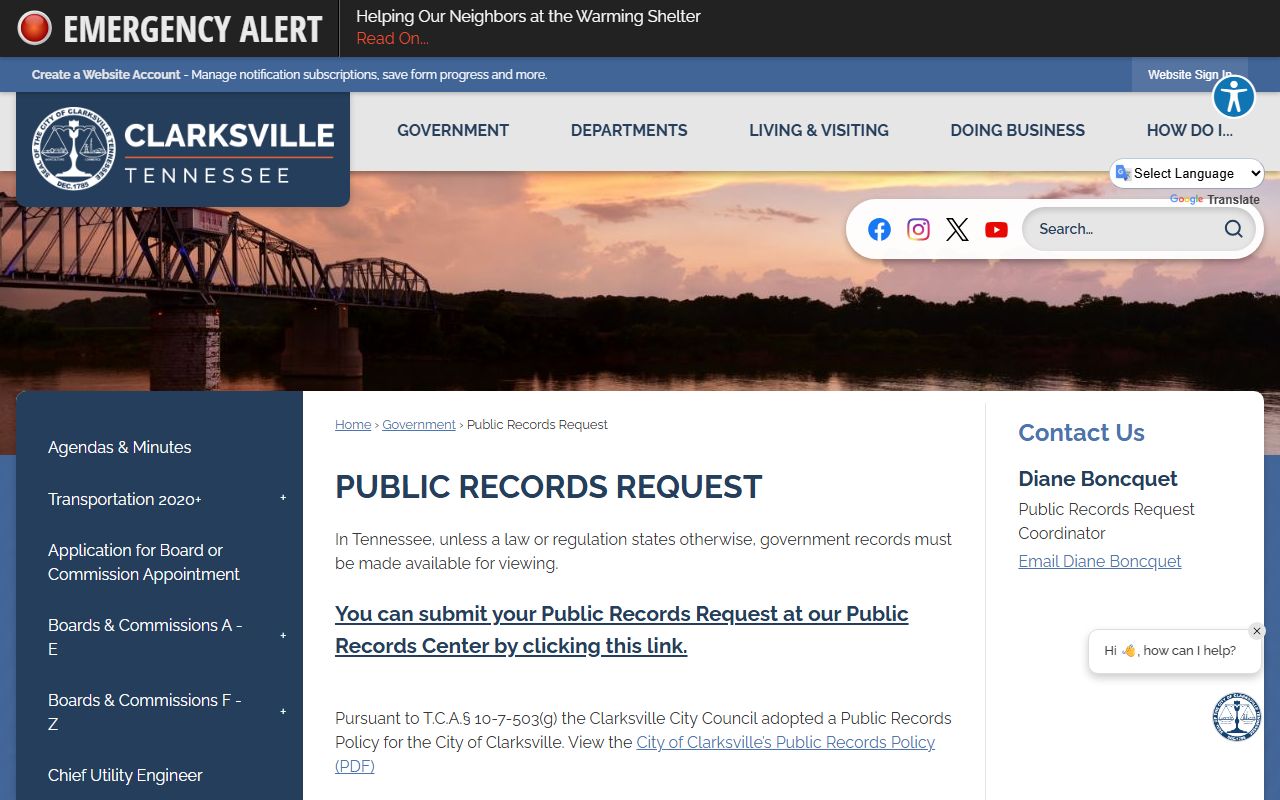
The public records policy page helps show how Clarksville Police Records requests are handled and what the city expects in a formal request.
How to Request Clarksville Police Records
Clarksville Police Records requests work best when you give the city a clean, short description. Start with the person name, date of incident, report type, and location. If you know the report number, include it. If you need a crash report, say that up front. If you need body camera footage, say that too. The department can then route the request to the right records staff instead of treating it like a broad file search.
The city notes that basic police reports are free during regular business hours. That does not mean every record is free. It means you should ask about the exact file before you assume a charge. The Tennessee Public Records Act gives the broader rule at T.C.A. 10-7-503. That statute is the base law for public inspection, response time, and local access to records unless another law closes the file.
Write the request like a person who wants the exact record, not every paper in the folder. That approach tends to get the fastest answer. It also keeps Clarksville Police Records requests from turning into long searches that do not help you.
Clarksville Police Records and Montgomery County
Clarksville sits in Montgomery County, so the county jail and sheriff system can matter after a city arrest. The county research says the Montgomery County Jail is at 116 Commerce Street, Clarksville, TN 37043, and the sheriff’s office is at 120 Commerce Street, Clarksville, TN 37040. That is the jail side of the story. If someone was booked after a Clarksville arrest, the county may have custody details that the city police department does not keep.
The county also has a records request coordinator through Montgomery County Government at 1 Millennium Plaza, Clarksville, TN 37040. The research says written requests go in person or by mail, Tennessee residency is required, and the response time is seven business days. That gives you the county path when Clarksville Police Records move beyond a city incident file. It is also the better route for jail information, visitation questions, and county custody records.
Montgomery County’s jail side adds another layer. The research shows an average daily population of about 500 and more than 11,000 bookings per year. That tells you the county deals with a lot of custody traffic. If your Clarksville Police Records search leads to jail status, use the county side next.
Use the county jail side when the city arrest moved into custody.
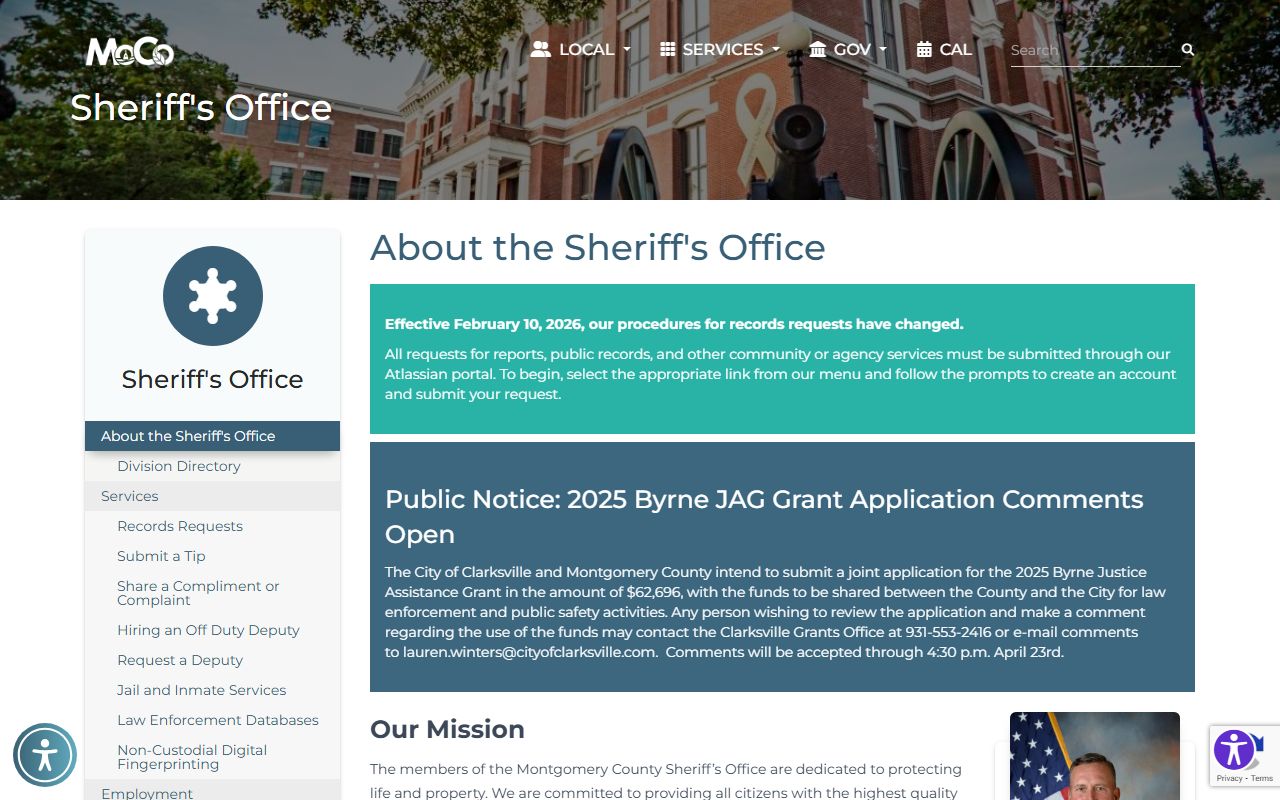
The Montgomery County sheriff image helps connect Clarksville Police Records to the county jail and custody side after booking happens.
Public Access to Clarksville Police Records
Clarksville Police Records are governed by the Tennessee Public Records Act, which is the same basic law used across the state. Under CTAS’s public records summary and the statute itself, agencies must respond within seven business days. They can provide the record, deny it with a legal reason, or tell you when more time is needed. The law is broad, but it is not unlimited.
Some Clarksville Police Records may be redacted or withheld. Juvenile information, active investigations, and sensitive personal data can be restricted. That does not mean the city is refusing the whole file. It may mean the city can only release a copy with parts removed. If that happens, narrow the request and ask for the public portion that can be released. A specific request is usually the best path.
If you want a general statewide view after the city search, the Tennessee Bureau of Investigation and state court systems can add context. The city report, county booking record, and state history file each answer a different question. That is the cleanest way to use Clarksville Police Records.
Clarksville Police Records and Tennessee Tools
State tools help when Clarksville Police Records do not give you the whole answer. The Tennessee Bureau of Investigation handles statewide criminal history resources, including the TORIS background-check system. The TORIS portal is the direct search path if you need a Tennessee criminal history check that goes beyond one city or county.
Crash records can also move to the state side. The Tennessee crash portal gives you another source when a traffic event is not handled fully by the local department. Court follow-up can be checked through the Tennessee Courts website. If the case reaches the correction system, the FOIL portal can help with felony offender history. These tools do not replace Clarksville Police Records, but they make the search more complete.
That mix is useful when the event touches more than one office. A city report shows the stop. A county file shows the booking. A state record shows broader history. Put those together and Clarksville Police Records become much easier to read.
See the crash portal when the record is a traffic file, not a city report.
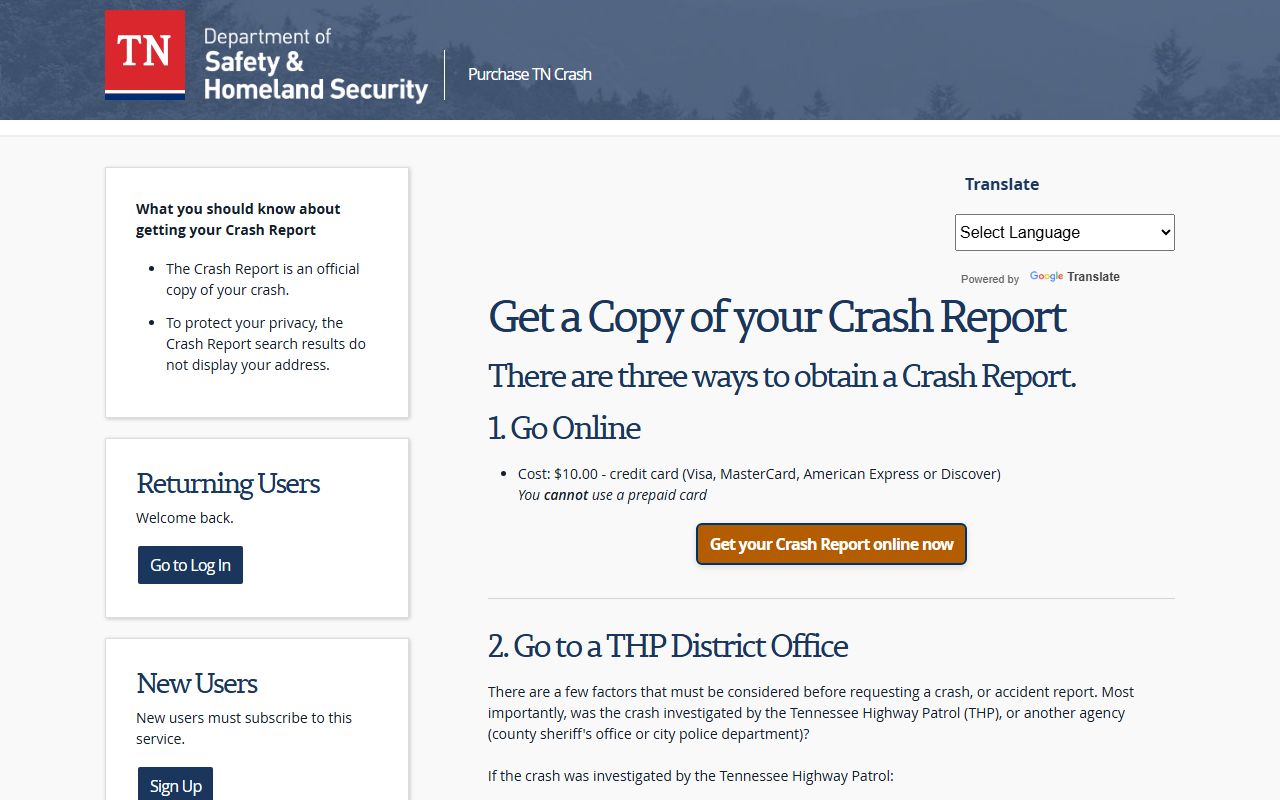
The Tennessee crash portal is the state option when a Clarksville traffic case needs a copy outside the city department.
More Clarksville Records
Clarksville Police Records often connect to county detention records, court files, and state history tools. Use the official city and county pages together when you need the full picture.
More Tennessee Police Records
Other city pages cover different local police departments and request systems across Tennessee. Use them when the incident happened outside Clarksville.