
Search Davidson County Police Records
Davidson County Police Records can come from the sheriff, the city police department, or the courts. That matters in Nashville because the county and city share the same core geography, but they do not keep the same files. Some searches start with a jail roster. Others start with a public records request. A few begin with a criminal court search after an arrest. This page puts those paths in one place so you can match the record you need with the office that actually keeps it. Use the local tools first, then move to state sources when the file crosses lines.
Davidson County Police Records Quick Facts
Davidson County Police Records Search
Davidson County is one of the busiest record hubs in Tennessee. The county seat is Nashville, and the sheriff system runs a real-time inmate search that updates all day. The research calls the DCSO portal the most comprehensive system in the state. Start with the county when you need custody status, booking details, or the current housing location for a person held in Davidson County. If you need a court file, use the clerk side. If you need a city report, use the police department side.
See the sheriff's main site at sheriff.nashville.gov for the county office that anchors Davidson County Police Records.
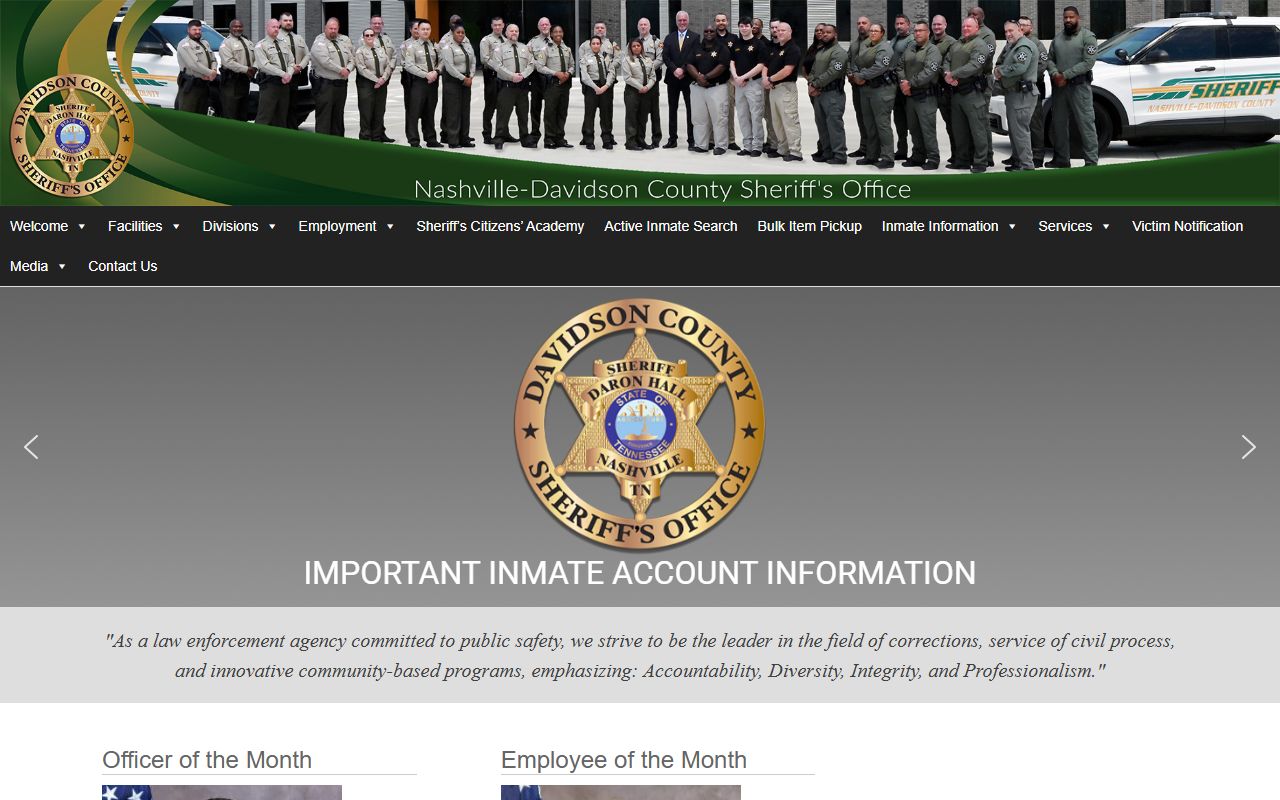
That office is the starting point for sheriff-side contact, county detention information, and the main record paths tied to Davidson County Police Records.
The county also uses a wide public-search setup. You can search by first name, last name, date of birth, OCA number, warrant number, CIS number, or date range through the active inmate tools. The recent bookings page covers the past 48 hours and updates hourly. That gives you a faster first look before you file a written request.
Where Davidson County Records Start
Davidson County Police Records do not live in one office. The sheriff keeps jail and custody data. The police department keeps city incident and arrest reports. The criminal court clerk keeps case-side records that can help tie an arrest to a charge or bond entry. A good search follows the source. That saves time and avoids sending the request to the wrong desk.
The Nashville police side has its own records flow. The research lists the Metropolitan Nashville Police Department at 600 Murfreesboro Pike, Nashville, TN 37210, with records handled at 811 Anderson Lane, Suite 100, Madison, TN 37115. That is the right route for city police reports, accident reports, and other MNPD files. Davidson County Police Records often begin there when the event happened inside city limits.
If you are unsure where the file lives, check the event type first. Jail custody usually means sheriff records. A crash or street report usually means police records. A case number or bond question often means court records.
Davidson County Police Records and the Jail
The county jail side is often the fastest part of a Davidson County Police Records search. The DCSO active inmate search is built for live custody checks. It shows full name, date of birth, race and sex, current housing facility, booking number, booking date, current charges, bond amount, and release status when available. That is useful when you need to verify that an arrest actually reached booking.
Open the active search at dcso.nashville.gov when you need the live inmate view.
The active search is the county's main live record tool. It helps you find booking data fast and shows how Davidson County Police Records are split between custody and report files.
Recent bookings are also important. The county research says that page covers the past 48 hours and updates hourly. That makes it a strong tool when an arrest just happened and the full paper file is not ready yet. It is also the best place to confirm a new booking before you ask for copies. If the person is not there, the arrest may still be processing, or the case may have been handled by another agency.
See the recent bookings page at dcso.nashville.gov/Search/RecentBookings for the county's short-term booking view.
That page helps you track fresh arrests and narrow a written request before you ask for a full Davidson County Police Records file.
| DCSO Office | One Jerry Newson Way, Nashville, TN 37201 |
|---|---|
| Records Center | 610 W Due West Avenue, Madison, TN 37115 |
| Phone | (615) 862-8170 or (615) 862-8123 |
| Hours | Monday through Friday, 7:00 AM to 3:30 PM for the Records Center |
How to Request Records in Davidson County
Requests for Davidson County Police Records depend on the office that owns the file. The sheriff center handles jail-side records. MNPD handles police reports and accident files. The criminal court clerk can help with case-side records and bond information. Under the Tennessee Public Records Act, agencies must respond within seven business days. They can produce the record, deny it with a legal reason, or give a date when more time is needed.
The public-access rule comes from T.C.A. 10-7-503. That statute is the core law for Davidson County Police Records and every other Tennessee public record. It says records are open during business hours unless another law blocks release. The practical part is simple. Make the request specific. Name the person, date, place, and record type. That helps the custodian find the file fast.
When you request a report from MNPD, the city guidance says to complete the open-records form and email it with a photo ID. The police department records division is listed at 811 Anderson Lane, Suite 100, Madison, TN 37115, and the central records phone is (615) 862-7631. The city also lists a help article for police or incident report requests at How to Request a Police Report. That is the cleanest route when the report came from a Nashville officer.
Use the city portal for city police files.
The public portal is at mnpd.justfoia.com/publicportal.
That portal is the right starting point for MNPD requests tied to Davidson County Police Records.
For a state-level backstop, the TORIS portal can confirm statewide criminal history data. That is helpful when the arrest crossed county lines or when you need a broader Tennessee record search. The TBI main site also gives you the official home page for state criminal history services.
- Use the sheriff for jail and booking records.
- Use MNPD for police and incident reports.
- Use the clerk for court-side follow-up.
- Use TBI when you need statewide history.
Davidson County Police Records and Court Follow-Up
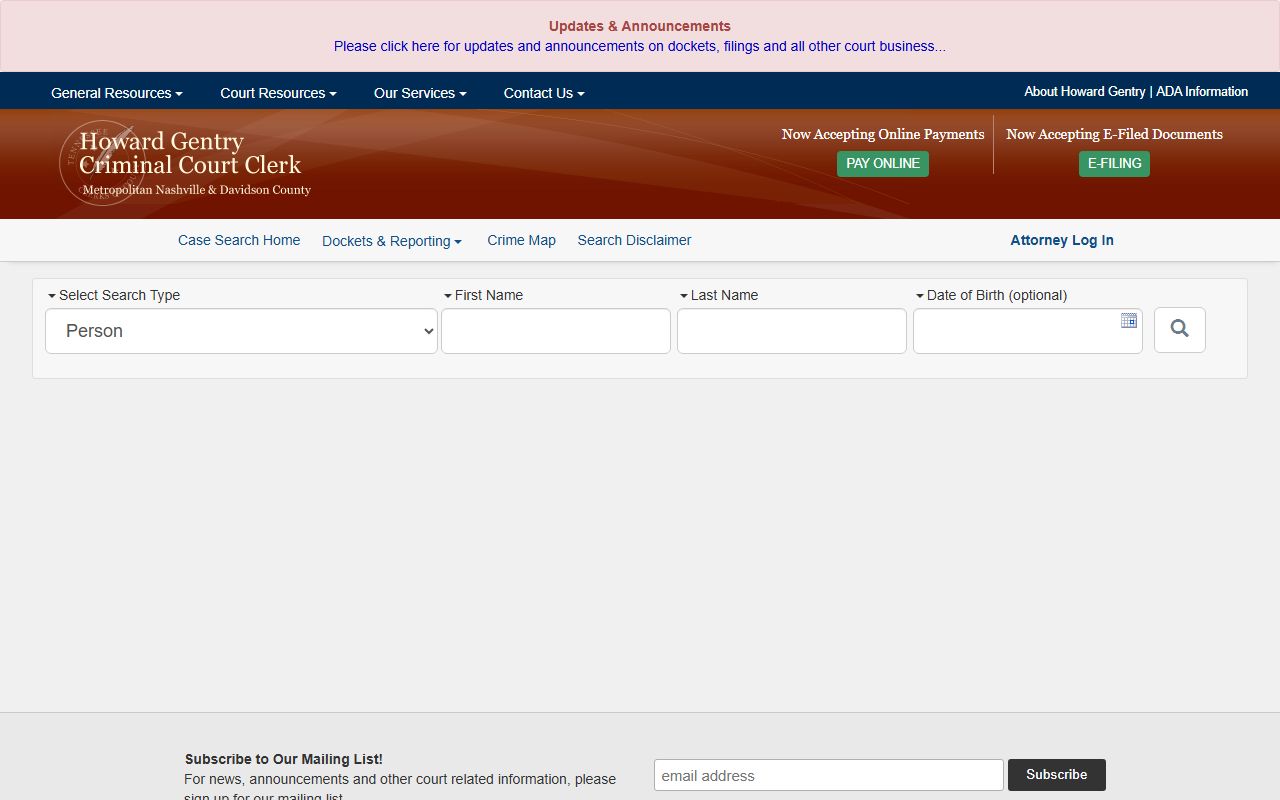
Arrests do not end with the booking sheet. They often move into court. The Davidson County criminal court clerk helps track that next step. The research lists the Criminal Court Clerk portal at sci.ccc.nashville.gov, which is the place to look when you need a case search tied to a police record. The clerk office itself is also part of the county record path.
See the court search portal at tncourts.gov when you need the broader Tennessee court system.
That court-linked search helps you move from the arrest to the case file. It is useful when Davidson County Police Records need bond, docket, or hearing context.
The county research also points to the Metro Clerk's Office for public records coordination. That is useful when a request touches more than one government office. The court and the sheriff do not hold the same file, so this step matters. A clean search often starts with the arresting agency and ends with the court clerk.
Public Access Limits in Davidson County
Davidson County Police Records are public in many cases, but not all details are open. Active investigations can be restricted. Juvenile records stay confidential. Medical details, Social Security numbers, and other sensitive data can be redacted. Sealed or expunged material is not part of normal public access. These limits do not close the file. They shape which parts can be copied or reviewed.
That is normal under Tennessee law. The records law is broad, but it still has limits. If a record is partly withheld, ask for the part that can be released. Ask for the case number, arrest time, or redacted copy if that helps. Clear requests give the custodian less room to guess, and that usually speeds up Davidson County Police Records work.
Use the TBI background tools when you need more than one office can give.
State systems do not replace local records.
They help when Davidson County Police Records are only part of the story.
Note: Davidson County Police Records are easiest to handle when you separate custody records, police reports, and court files before you ask for copies.
That keeps the request focused and avoids avoidable delays.
Davidson County Police Records by Agency
The county and city both matter here. The sheriff manages detention and inmate records. MNPD manages city police reports. The court clerk manages case follow-up. Davidson County Police Records are therefore a system of related files, not one single database. If you need the shortest path, start with the office that created the record. That is usually the fastest way to get the right answer.
One more county source can help. The sheriff office phone lines and records center are good for custody confirmation and basic file location. The county research also shows that victim notification tools are tied to inmate status updates, but the live sheriff search still gives the best county view. That mix of tools is useful when you need to verify a booking, check a hold, or confirm a release date before you request copies.
For a city arrest report or crash file, the MNPD portal is the better fit. For a statewide history, TORIS is the better fit. For the court status after an arrest, the criminal court search is the better fit. That division is the core of Davidson County Police Records.
Related Nashville Records
Davidson County and Nashville overlap, so city pages can still help when the police department made the file. If the incident happened in Nashville city limits, use the Nashville police records page for the city-specific path. If the event happened in county custody or the sheriff created the record, use this county page instead. The two pages work together.
That city page stays focused on MNPD request steps, while this county page stays focused on sheriff, jail, and court-side Davidson County Police Records.
The court search portal closes the loop when you need the case side of Davidson County Police Records.
The court image closes the loop between arrest, booking, and hearing information.