
Search Bartlett Police Records
Bartlett Police Records begin with the city police department, but the search often reaches Shelby County when a case turns into a booking, a jail check, or a court follow-up. That split matters. A city incident report is not the same as a county custody record, and a crash report is not the same as a later court file. Use the city source first, then move to county or state tools if the file you need sits somewhere else. This page keeps the Bartlett path clear so you can search, request, and compare records without guessing which office owns the record.
Bartlett Police Records Quick Facts
Bartlett Police Records Search
The Bartlett Police Department is the first stop for local records. The department page is at cityofbartlett.org/68/Police-Department, and the department sits at 3730 Appling Road in the Justice Center. The research lists the main numbers for police administration, records, and investigations, which makes that page the cleanest starting point when you need a city report, a department contact, or basic case direction.
For records work, the city page matters more than a broad search. Bartlett Police Records can include incident reports, arrest reports, and crash reports, and the records division keeps the original files for the department. The city page also helps you confirm hours, which run Monday through Friday, 8:00 AM to 5:00 PM. That timing is useful if you want to call before you submit a request or if you need to plan a visit during the work week.
Review the official Bartlett Police Department page first.
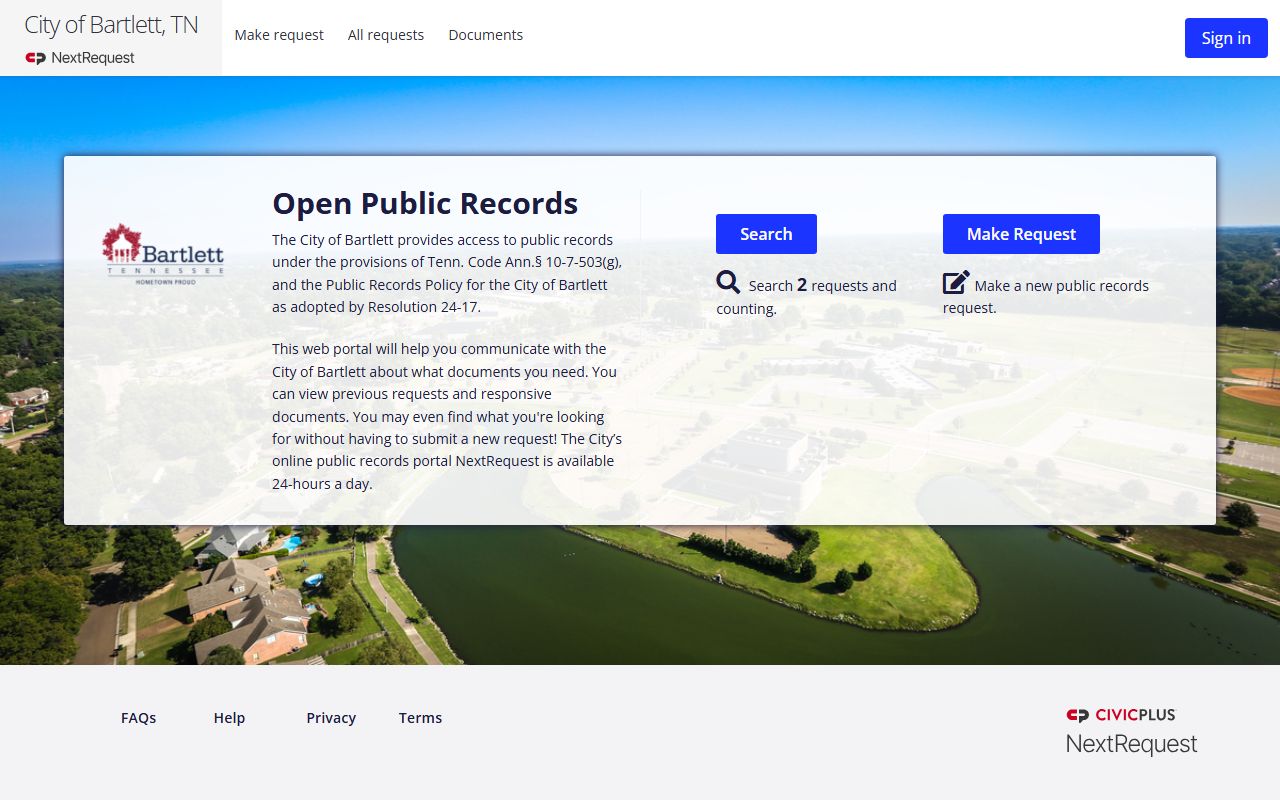
That department page is the city anchor for Bartlett Police Records and the best place to begin a local search.
Where to Find Bartlett Records
Bartlett Police Records do not all live in one folder. The records division handles the city files, while the online portal handles broader requests that need more than one report. The research says the records division maintains all accident and criminal incident reports for the City of Bartlett. It also says crash reports can be requested through the same records email and may take five to seven days from the crash date. That is a good fit when you need the report itself, not just a case summary.
If you need a single incident report, the city can often handle it by email through records@bartlettpolice.org. If you need more than one report, or if the request takes research, the public records portal is the better route. The Bartlett portal is at cityofbartletttn.nextrequest.com. That portal is the city’s public request system and the best path when you want a paper trail or a request that needs review by the clerk side.
See the Bartlett Records Division page for the city’s request workflow.
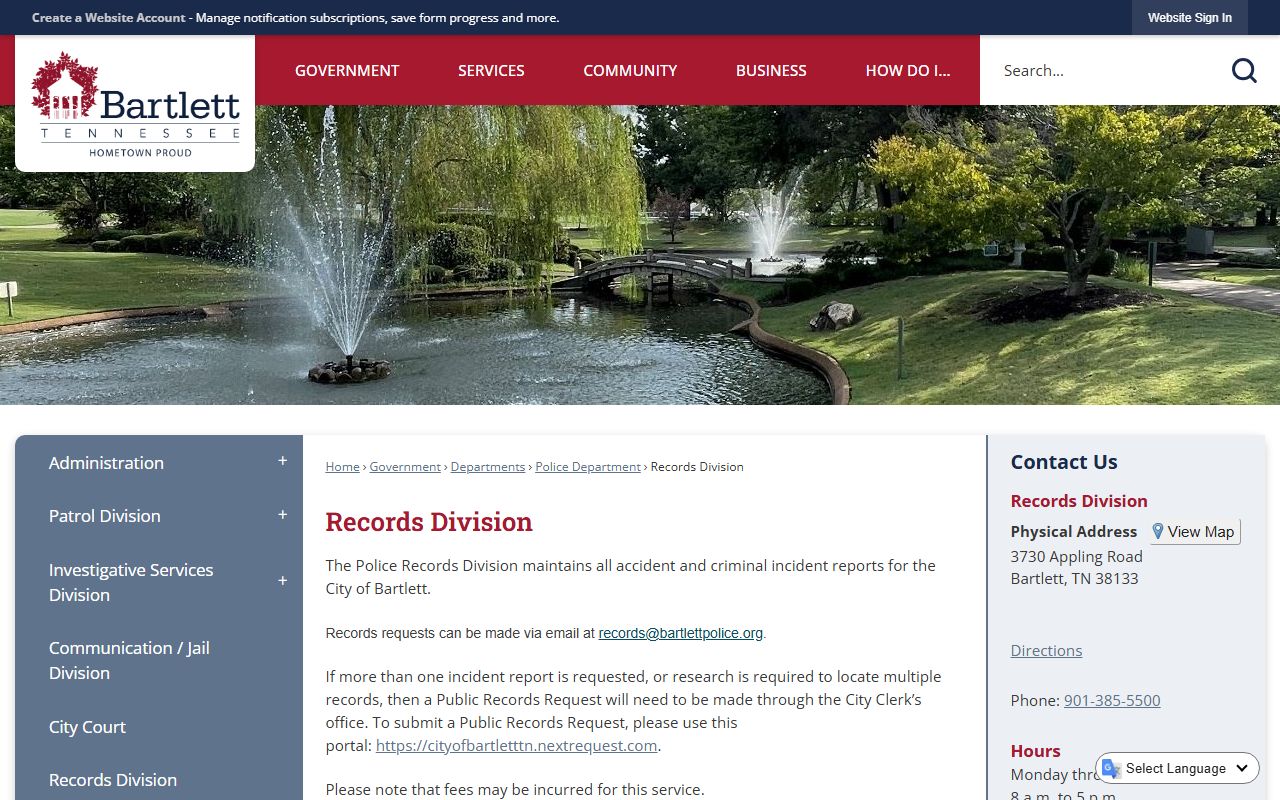
The records division page explains where Bartlett Police Records are held and how the city handles report access and copy requests.
Bartlett Police Department Records
The city research is clear about the record types Bartlett handles. The records division keeps accident and criminal incident reports. Crash reports are available too, but the city asks that you allow five to seven days from the crash date before you request the file. That delay is normal. It gives the department time to process the case and prepare the record for release if it is public.
Bartlett Police Department Records are still limited by case status. The research notes that criminal incident reports will not be released while the case is active or under open investigation. It also says personal identifying information is removed from reports in most cases, except for third-party requests and government or insurance requests. That means a record may exist but still be partly redacted. The file is not gone. It is just filtered by Tennessee law and department policy.
Use the city police page when the record started with Bartlett officers.
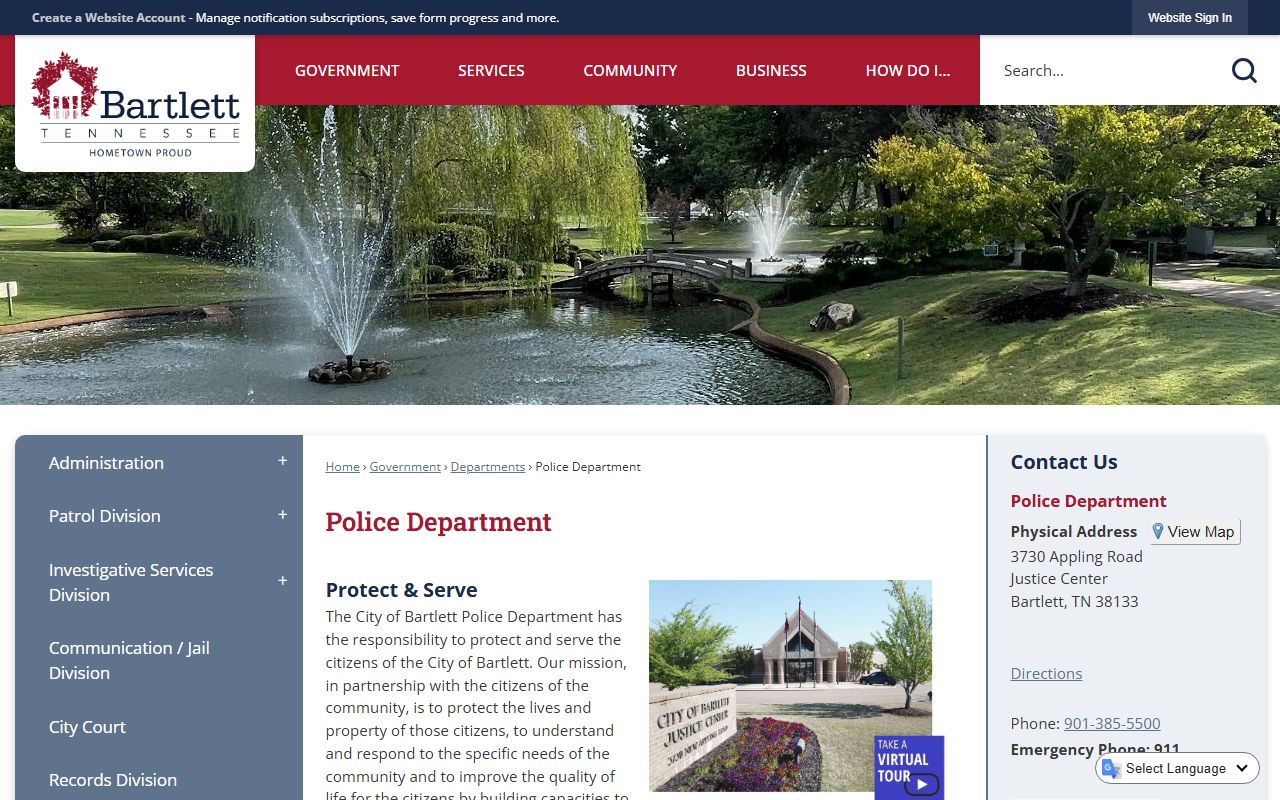
The main department page helps show how Bartlett Police Records fit into the city’s own public records process.
How to Request Bartlett Police Records
Requests for Bartlett Police Records should match the file you need. A single report is not the same as a batch of reports, and a crash copy is not the same as an arrest history. The research says single incident reports can be requested by email at records@bartlettpolice.org. It also says multiple reports or research-heavy requests should go through the city clerk side using the NextRequest portal. Proof of Tennessee residency is required when you want copies of records.
Give the city as much detail as you can. That keeps the records staff from guessing and helps the request move faster. A sharp request is better than a broad one. It is also more likely to stay within the public part of the file instead of pulling in data that must be redacted under Tennessee law.
The best Bartlett Police Records request usually includes:
- Full name of the person involved
- Date or date range of the incident
- Type of record, like incident, arrest, or crash
- Location of the event, if known
- Report number or case number, if you have it
For crash reports, the research says to wait five to seven days after the crash date. For multiple reports, use the portal. For one-off questions, the records email is often enough. Bartlett keeps the process straightforward if you start with the right record type.
Bartlett Police Records and Shelby County
Bartlett sits in Shelby County, so the city record is often only the first step. Once someone is booked, the county may hold the custody side, the housing side, and the court follow-up. The Shelby County Sheriff’s Office has the online inmate search tool, and the research says it can be searched by name, birth date, booking number, permanent number, state ID, or last known address. That is useful when a Bartlett arrest moved out of the city report and into county custody.
County follow-up can also matter for records requests. The Shelby County Sheriff’s Office is at 201 Poplar Avenue in Memphis, and written records requests go to the Records Division at the same address. The county page is at shelby-sheriff.org. Use it when you need the jail side of the story, the booking side of the case, or the custody status after a Bartlett arrest.
That split is practical. Bartlett Police Records show the city event. Shelby County shows what happened after transport.
Public Access to Bartlett Police Records
Bartlett Police Records are governed by the Tennessee Public Records Act, and the core rule comes from T.C.A. 10-7-503. That statute says public records are open during business hours unless another law keeps them closed. The city does not have to give you everything, but it does have to respond. That is the baseline that shapes Bartlett records access.
The CTAS summary at ctas.tennessee.edu adds practical context on response timing, fees, and common record limits. Active investigations, juvenile details, and sensitive personal data can be withheld or redacted. In Bartlett, that means the city may release part of the file and hold back the rest. It does not mean the record is unavailable. It means you may need to ask in a narrower way.
Note: A short, specific Bartlett Police Records request is usually easier to process than a wide search for every file tied to one person.
The public access rule is broad, but it is not unlimited. Ask for the public portion first when the city tells you a record is partly withheld.
Bartlett Police Records and Tennessee Tools
State tools help when Bartlett Police Records do not answer the whole question. The Tennessee Bureau of Investigation keeps the statewide criminal history repository, and the TBI site is the best place to start when you need statewide context. The TORIS portal is the direct search path for a name-based criminal history request. That is a different job than a city report, but it is useful when you want to see whether the same person has a history beyond Bartlett.
Crash cases and court follow-up may also move to the state side. The crash portal at apps.tn.gov/purchasetncrash/ is the state route for traffic reports, while the Tennessee Courts website helps you check what happened after the arrest. Those sources do not replace Bartlett Police Records. They fill the gaps when the city file is only the first step.
Use the TBI main site when you need statewide context.
tn.gov/tbi.html is the official starting point for Tennessee history tools tied to police records and background checks.
Use TORIS when the question is broader than one city.
tbibackgrounds.tbi.tn.gov/Toris/ is the direct search path for a statewide criminal history request.
Use the crash portal when the record is a traffic file, not a general report.
apps.tn.gov/purchasetncrash/ is the state tool for crash report access when Bartlett police records are not enough.
Next Steps for Bartlett
Bartlett Police Records usually move in a straight line. Start with the city for the report, move to Shelby County for custody or jail details, then use the state tools if you need criminal history or crash access outside the local file. That keeps the search grounded and helps you avoid sending the same request to the wrong office twice. The city police department, the records division, and the county sheriff each hold a different piece of the record set.
If the city report is enough, stop there. If you need the jail side, use the county. If you need the broader Tennessee side, use the state tools. That is the cleanest way to handle Bartlett Police Records without wasting time on a broad request that gives you the wrong file.